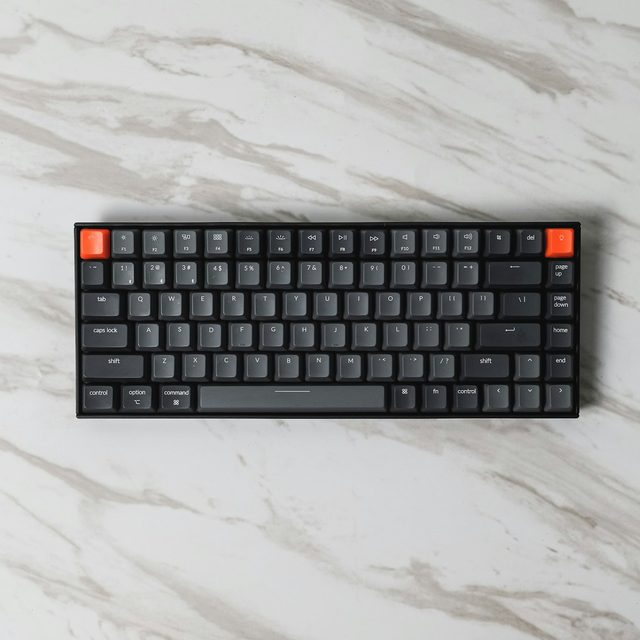
Most keyboard buying guides start with switch colors. Start with layout instead: it decides how much desk you keep for your mouse, and no switch can fix a board that is the wrong size. If you never touch the numpad, a 75 % or TKL board buys you ten centimeters of mouse room for free. If you play tactical shooters with low sensitivity, that space is the difference between a clean 180 and a keyboard-corner collision.
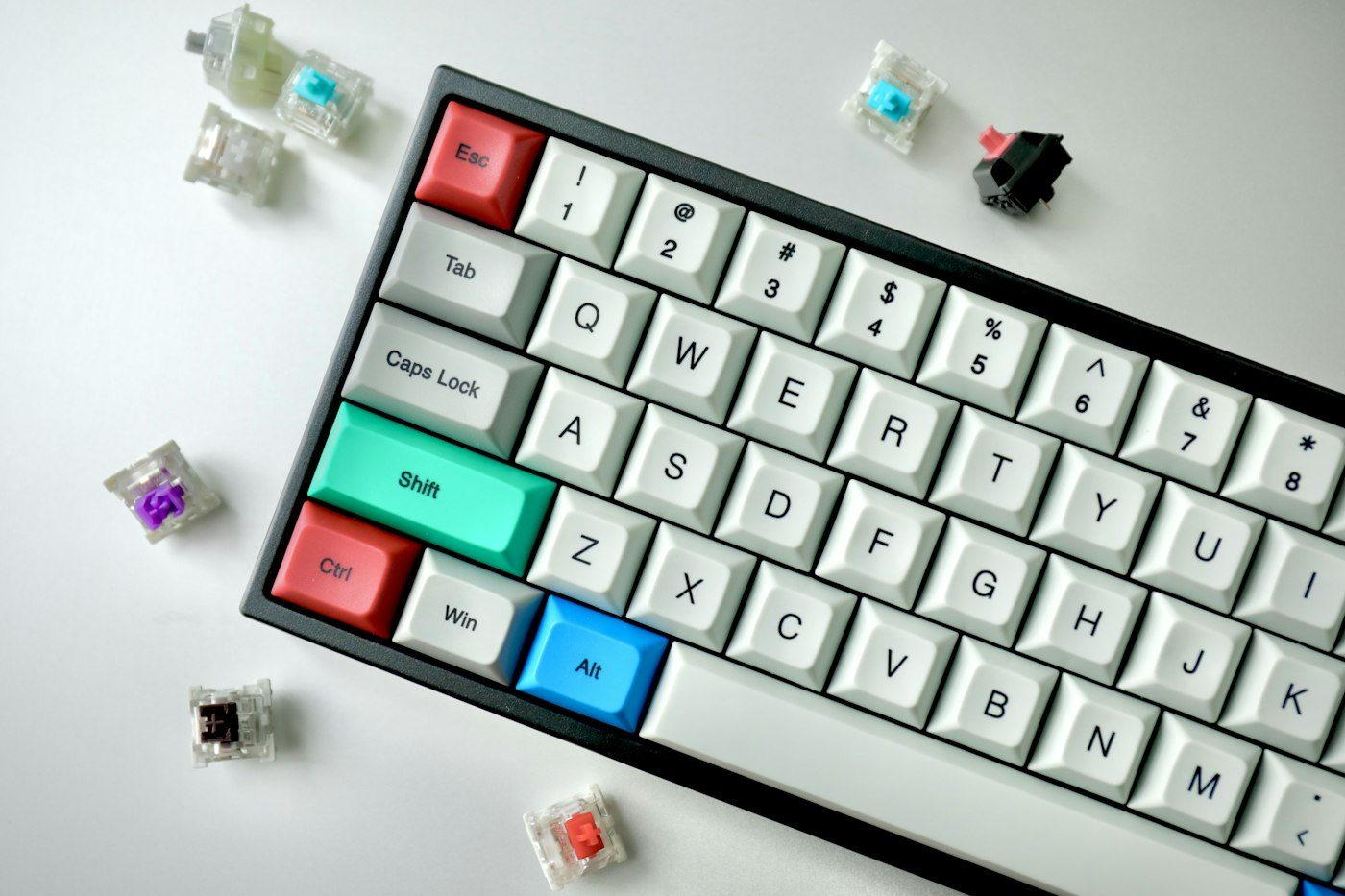
Switches second. Linear switches (smooth, no bump) are the competitive default because there is nothing to feel through on a fast double-tap. Tactile switches (a bump at actuation) are better for typing-heavy days and for anyone who bottoms out too hard. Clicky switches are a shared-room conversation you should have before you buy.
Mount style is where budget boards and enthusiast boards part ways. A tray-mount board bolts the plate to the case and feels firm and slightly hollow; a gasket-mount board floats the plate on foam or silicone strips and feels softer with a deeper sound. Neither is faster. One of them will feel like home.
Finally, hot-swap. A hot-swap PCB lets you pull switches without soldering, which means the board you buy today can become a different board next year for the price of switches. On every board we stock we say plainly whether it is hot-swap and whether the sockets take 3-pin, 5-pin or both.