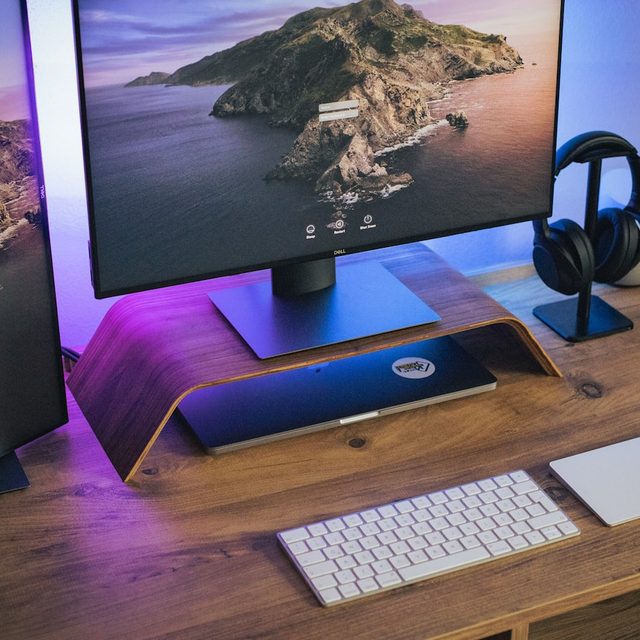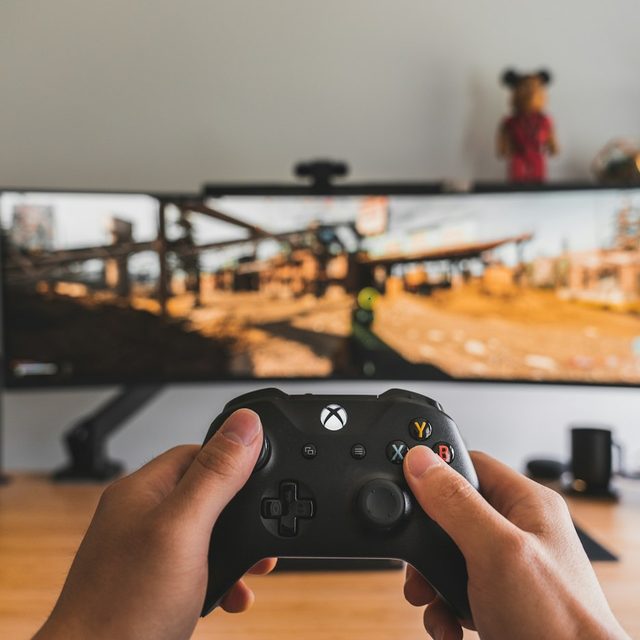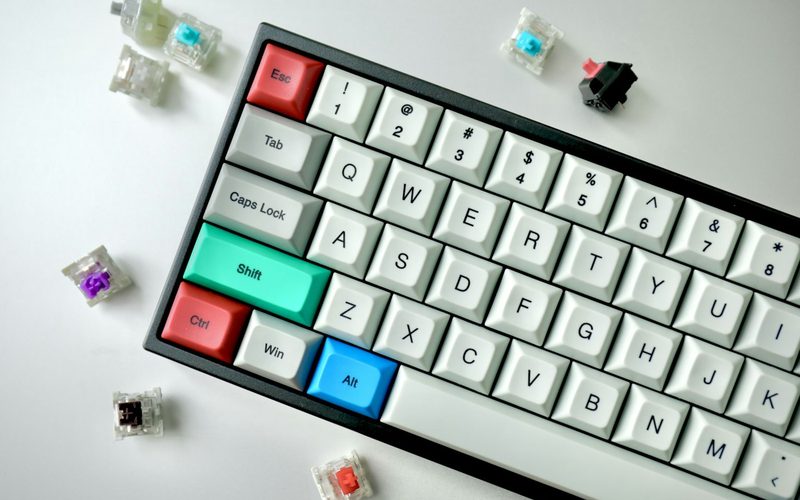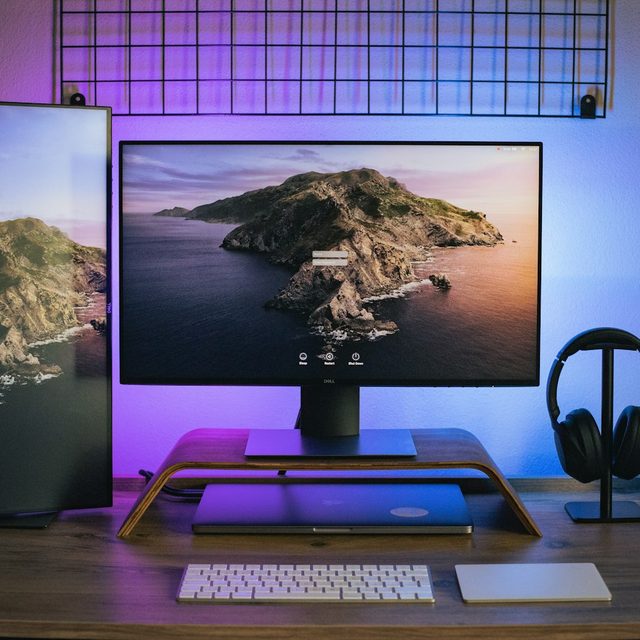
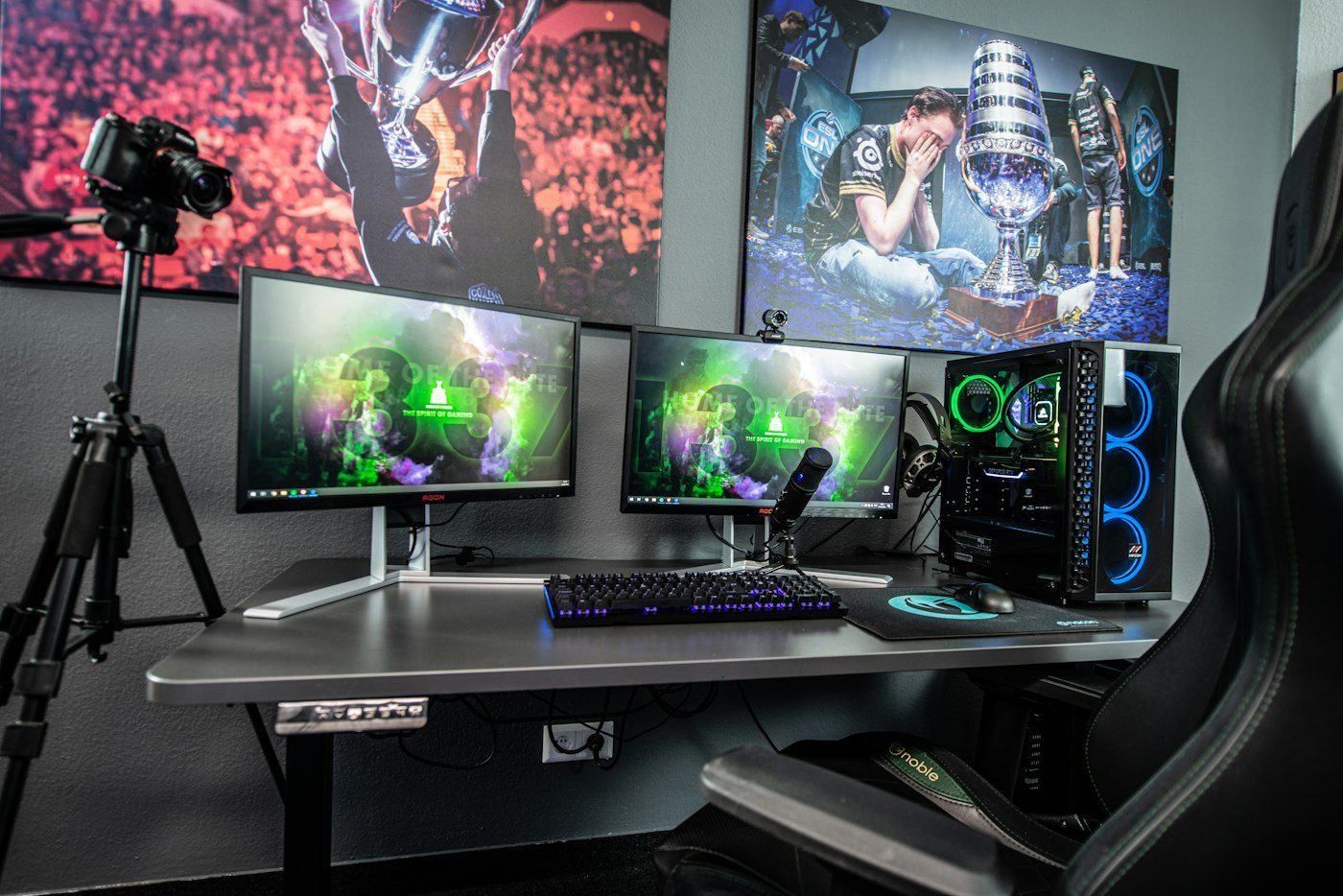
Measure desk depth first. A 27-inch monitor on a stand wants about 60 cm from your eyes; a 34-inch ultrawide wants 70. If your desk is 60 cm deep, a monitor arm that lets the panel float behind the desk edge changes what you can buy.
Check the arm's weight range and the monitor's weight with the stand removed — they are different numbers, and the second is the one that matters.
Count your ports. Two HDMI monitors on a GPU with one HDMI port is a Tuesday-night problem solved by a DisplayPort cable you did not order.
Cable lengths: the included cable is almost always 1.5 m. Route it around a desk and up an arm and you will want 2 m. We list the included cable length on every monitor page so you can decide before the box opens.
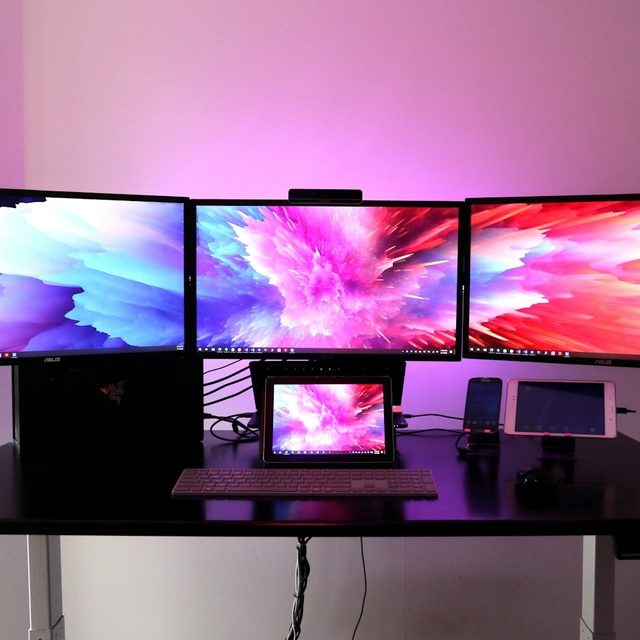
And finally, matched panels. Two monitors from the same model line but different production years can look different side by side. Our Triad bundle ships three from the same batch for exactly that reason.